分享发现 How to Quickly Print Markdown Documents to PDF & Paper?

a guide for Print Markdown Documents to PDF & Paper: https://how-to-print-markdown-doc.ai.studio/
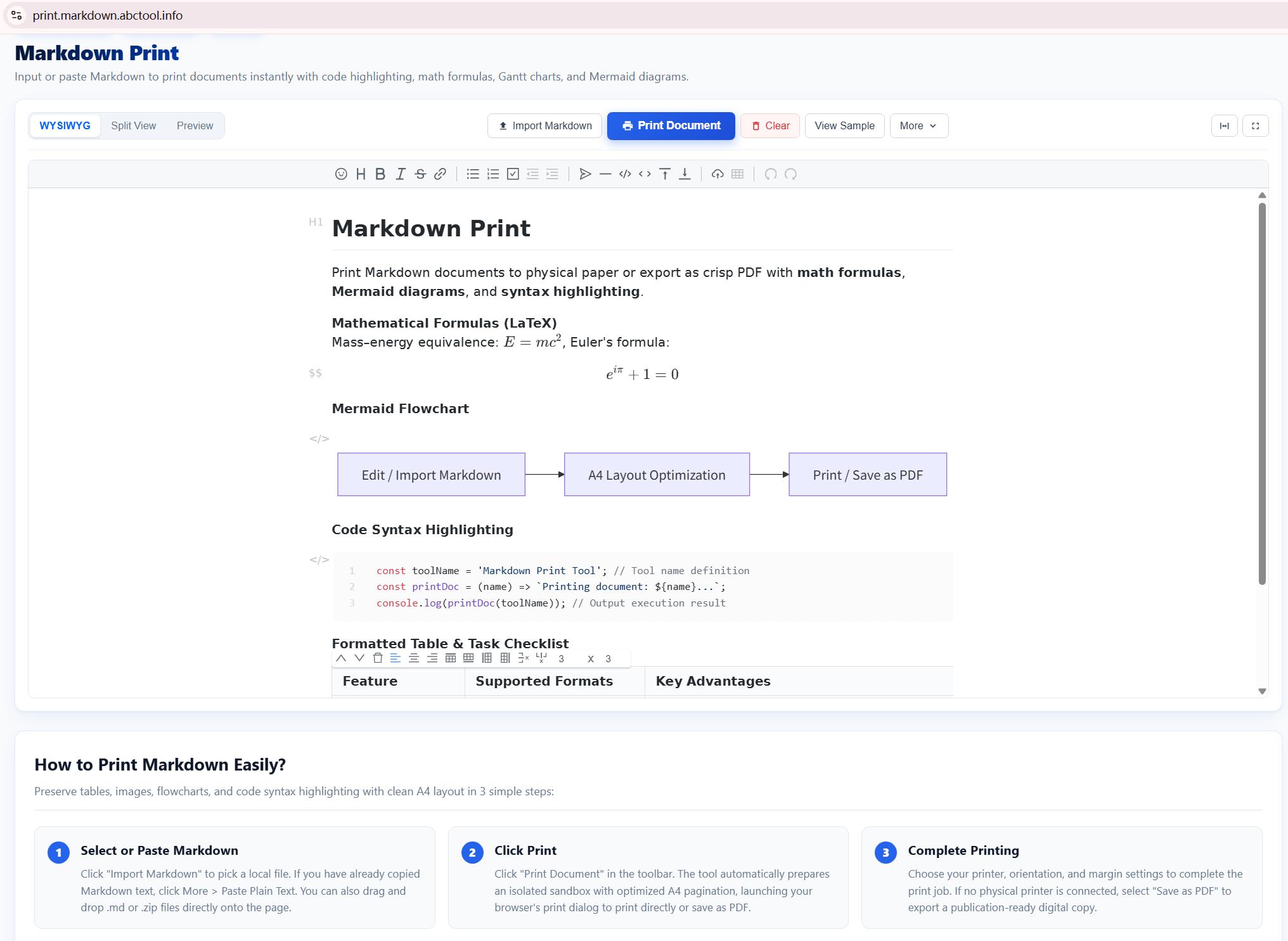
How to Complete Markdown Printing with print.markdown.abctool.info The dedicated online tool at print.markdown.abctool.info is engineered specifically to eliminate formatting defects and produce publication-grade printed documents or PDFs. Here is the step-by-step workflow:
1
Input Markdown or Upload Bundle
Paste your Markdown text into the editor, or drag-and-drop your .md file. If your document references local images (e.g.  ), you can upload a ZIP archive containing both your markdown file and its image directory. The tool maps local relative paths directly in browser memory without uploading anything to external servers.
2 Automatic High-Fidelity Rendering The preview engine automatically compiles:
KaTeX LaTeX Formulas: Inline $f(x)$ and block $$\sum_{i=1}^n x_i$$ equations. Mermaid Diagrams: Flowcharts, sequence charts, mindmaps, and Gantt diagrams into sharp vector graphics. Prism Code Highlighting: Clean syntax coloration matching professional documentation themes. 3 Control Pagination & Page Breaks Use the one-click page-break insertion button to insert
exactly where you want a new page to start. This prevents major section headers, large diagrams, or multi-line tables from being awkwardly cut halfway across physical paper boundaries.4 Print or Save as PDF with Clean Print CSS Click the top toolbar Print button (or press Ctrl + P / Cmd + P). The tool applies specialized @media print CSS that hides all editor toolbars, sets proper page margins, wraps table cells, and ensures colors render crisply on PDF or paper.